
Owner's Guide
How To Use Your Colorway Belt
Get set up in under 2 minutes. Watch the quick tutorial or follow the guide below.
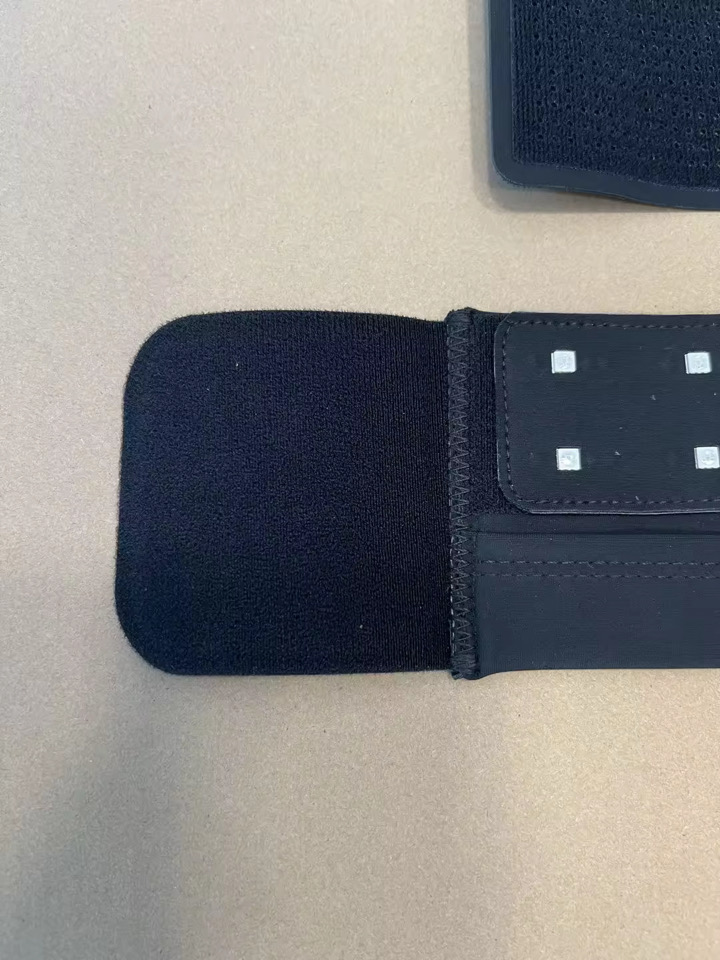
Step 01
Remove Protective Cloth
Remove the protective cloth from the end fastener on the base belt. This prevents debris from sticking to the velcro during shipping.
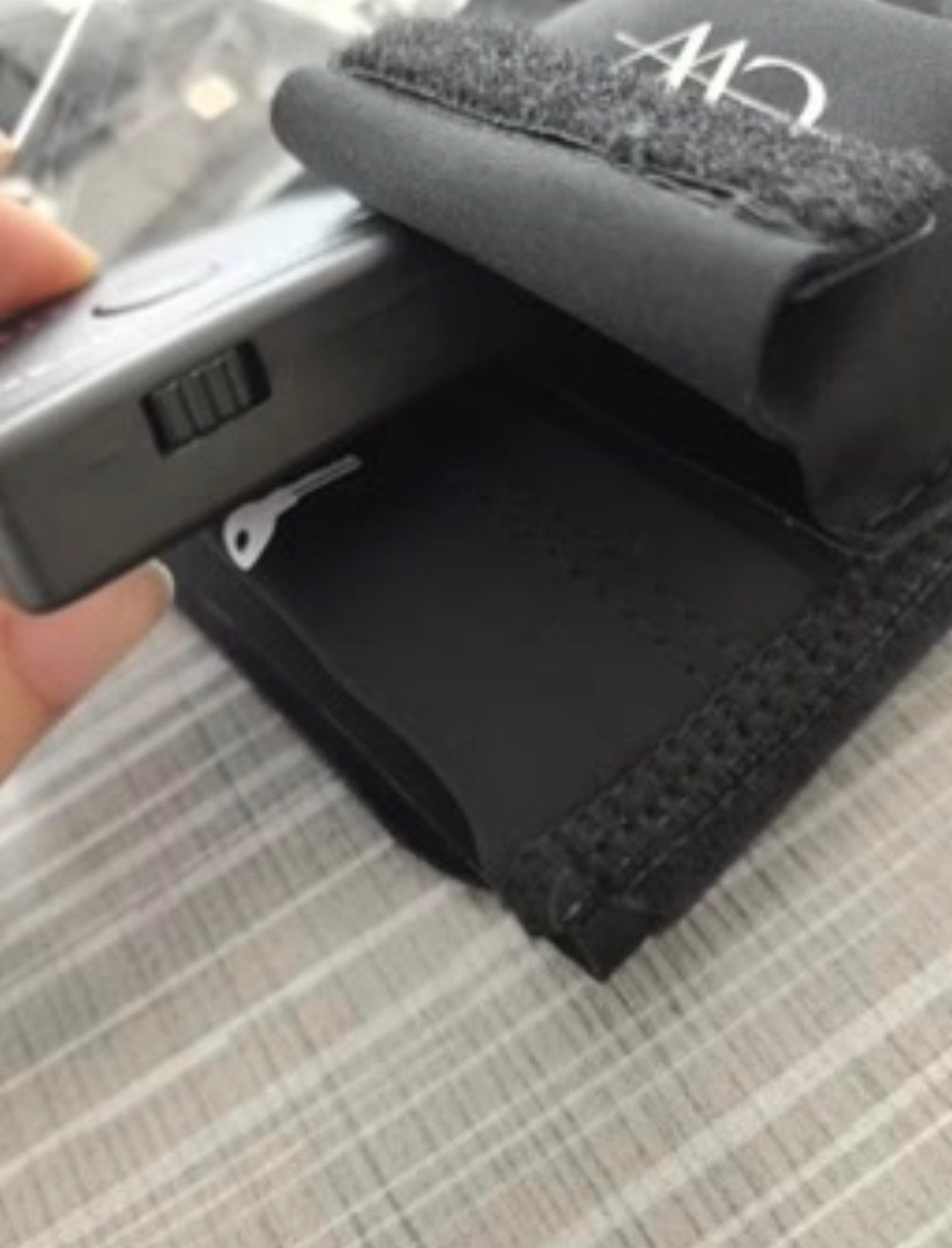
Step 02
Turn Battery On
Open the battery housing on the LED strip and carefully flip the switch at the bottom of the battery housing to ON.
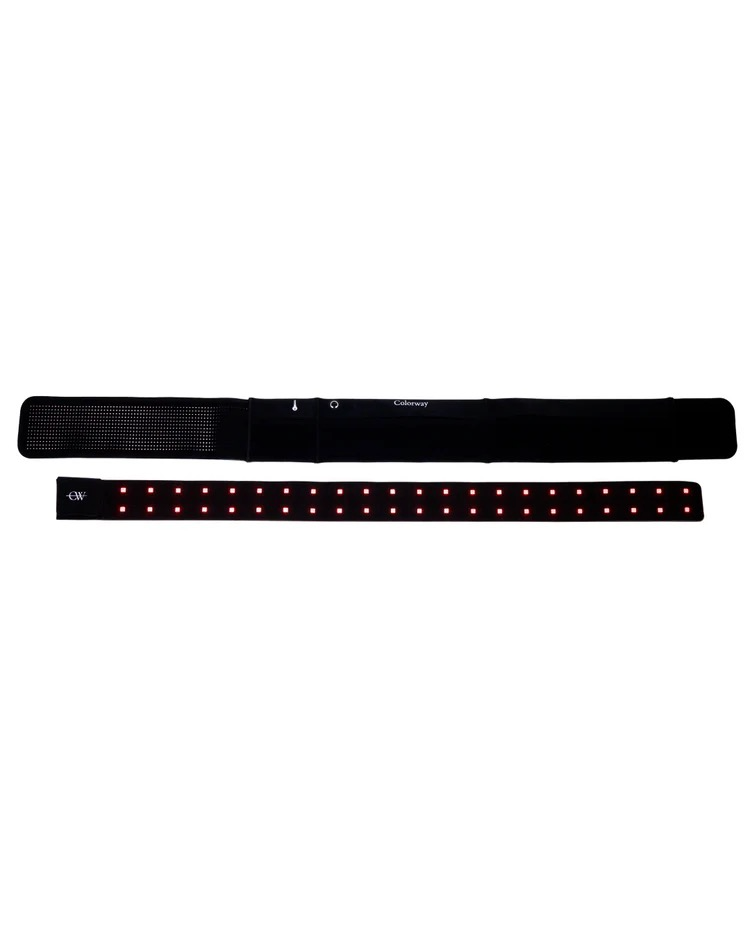
Step 03
Secure Base Belt
Remove the LED strip and secure only the base belt comfortably around your waist.
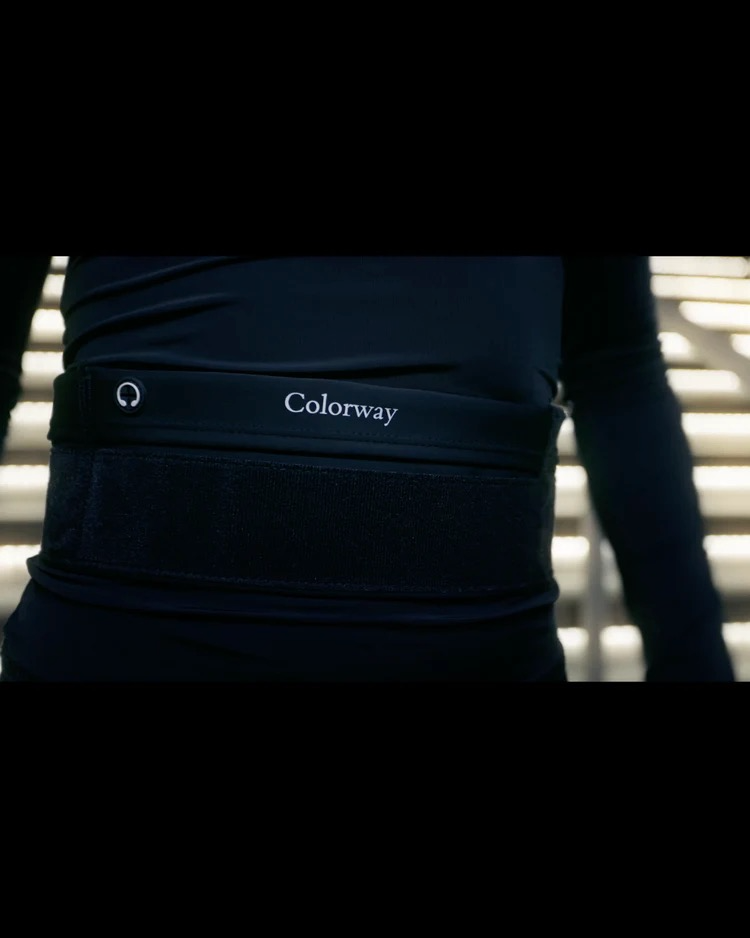
Step 04
Attach LED Strip
Center the Colorway logo facing forward, then attach the LED strip securely to the base belt.
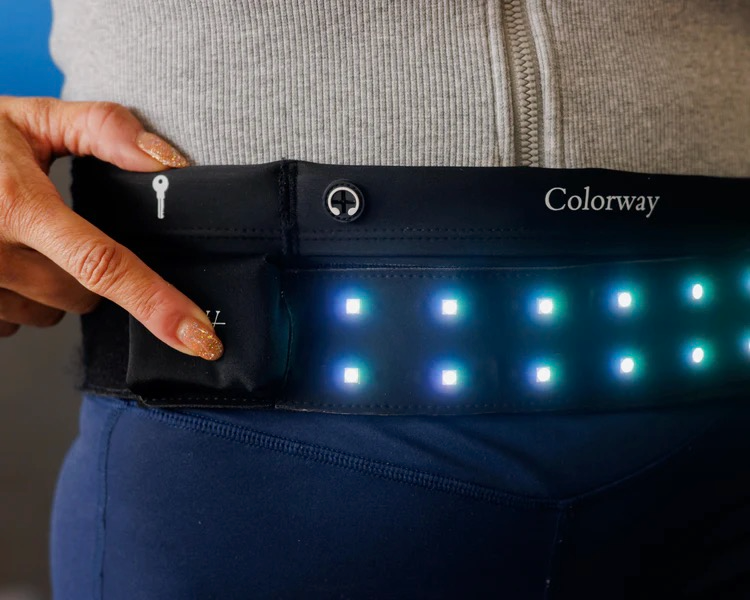
Step 05
Choose Your Color
Choose your color by pressing the CW logo button to cycle through colors and power off.
Care
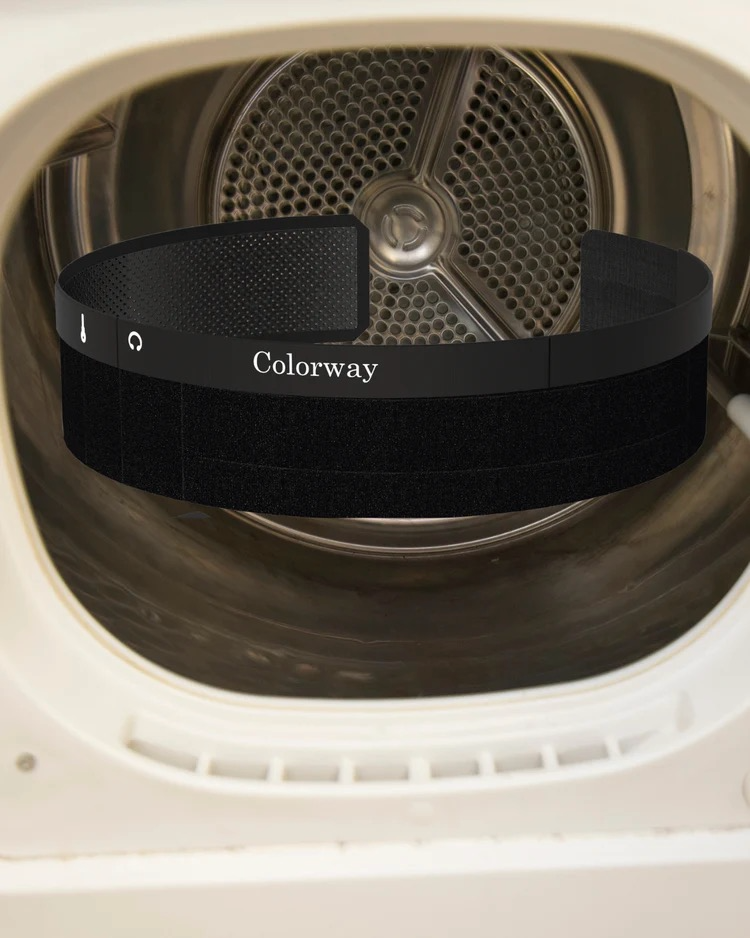
Wash & Care
- Remove the LED strip before washing
- Wash cold and tumble dry low or air dry
- Avoid unnecessary bending of the LED strip
- Keep velcro free from lint and debris for best attachment
Troubleshooting
Quick fixes
LED not turning on?+
Open the battery housing and ensure the battery switch is turned ON.
LED strip not sticking properly?+
Ensure velcro is aligned and free of lint or debris.
Belt feels loose?+
Secure the base belt first before attaching the LED strip.